
lua Colabora
Share files with your team and customers, with a password and expiration
The proposal sits on someone's computer, the spreadsheet circulates by email in ten versions, and the accountant asks for the documents again because nobody knows which link is valid. In Drive, the file lives in one place, and you decide who views it, who edits it, and until when.
Signing up is online and activation is automatic: pay by PIX and the account is ready in minutes for you to activate your domain. For questions, we answer on WhatsApp.
- lua Colabora included on all plans
- Same login as your email
- Nothing to install
How it works at lua.email
With colleagues: Sharing options
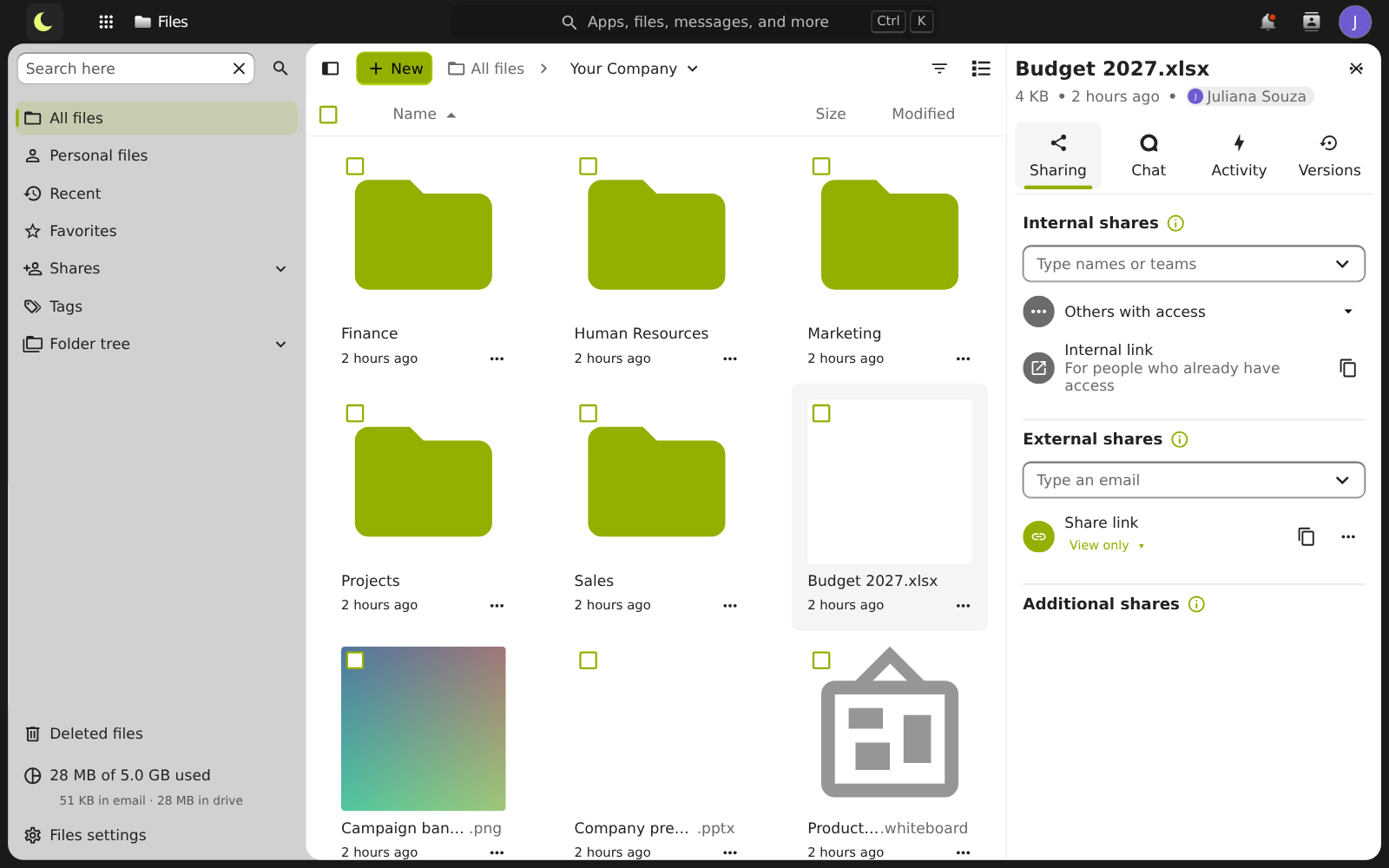
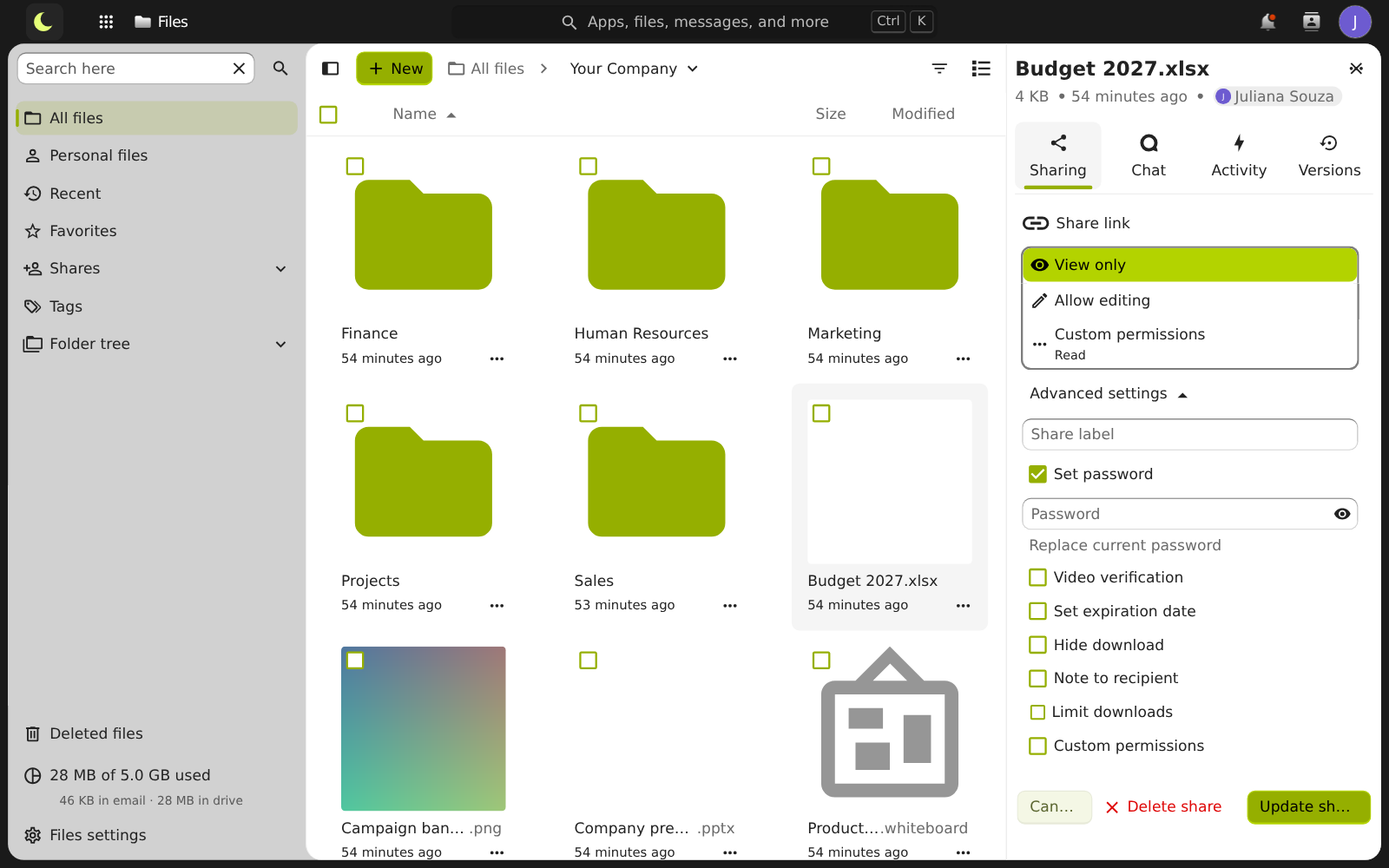
Type the name of a colleague or a company group. Choose View only, Allow editing, or custom permissions.
For outside people: create a public link
Under External shares, Create public link. Whoever receives it opens it in the browser, with no account.
Protect the link
A password of at least 4 characters, an expiration date up to 30 days out, hide download, and a download limit.
Remove access whenever you want
Unsharing stops the link immediately. For a colleague, remove the person from the share.
Good to know
- Need to receive documents from a customer? A file request creates a link that only lets them upload to a folder of yours, without seeing anything else.
- You can have a second link for the same file, with different rules: one for the customer, another for the accountant.
- If the file is shared with a company group, whoever joins the group later gets access too.
- A deleted file stays in the trash for up to 30 days, and previous versions are also kept for 30 days.
- Files that arrive in Drive go through antivirus scanning.
How companies use it
Everyday situations at small and midsize companies. The names and data are fictional.
Sending a contract to a customer with a password
Situation. The contract is large, and the company doesn't want to attach it or leave the file open on the internet.
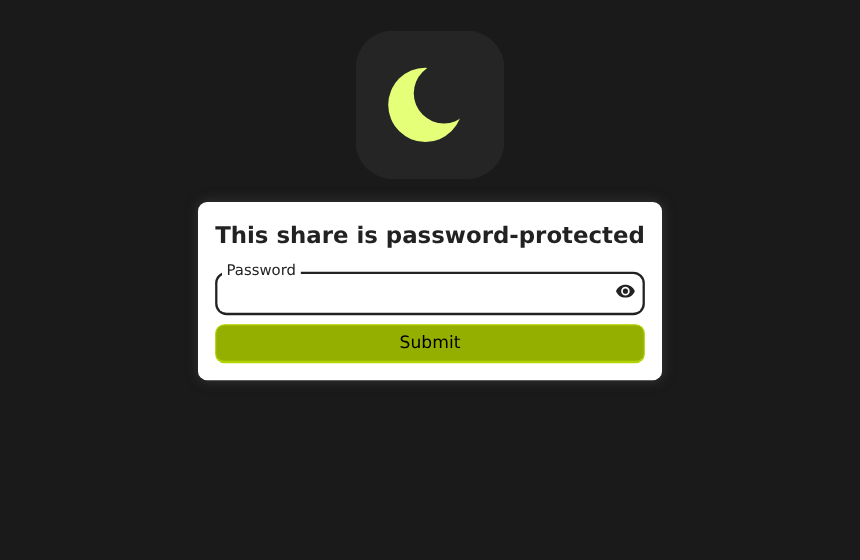
What the person does. Shares the file by link, sets the password and expiration date, and sends the link by email, giving the password through another channel.
Result. The customer opens the link, types the password, and downloads the file. After the expiration, the link stops working.
Questions about sharing files
Does the person who receives the link need to create an account?
No. The person opens the link in the browser, and documents, spreadsheets, and presentations open right there.
Does the link expire?
Yes. Every public link expires in at most 30 days. Before it expires, you can choose a new date or create another link.
Can I let the customer only view, without downloading?
Yes. Check Hide download in the link options.
Can other companies see my files?
No. Each company has its own space. For outside people, access is only through the link you create.
See also
Want this working at your company today?
lua.email costs from R$ 8.90 per mailbox, with webmail and lua Colabora on all plans. Signup is online and activation is automatic: pay by PIX and the account is ready in minutes for you to activate your domain. For questions, we answer on WhatsApp.
Subscribe now See pricing How we migratePrefer that our team contacts you? Leave your contact details