Undo send
Hit Send and then remembered the attachment? You have a few seconds to click Undo and fix the message. See how it works

Feature guides
Every lua.email feature, with what it solves and a step-by-step guide. Webmail, calendar, files, documents, chat, security and the admin panel, starting at R$ 8.90 per mailbox.
Signing up is online and activation is automatic: pay by PIX and the account is ready in minutes for you to activate your domain. For questions, we answer on WhatsApp.
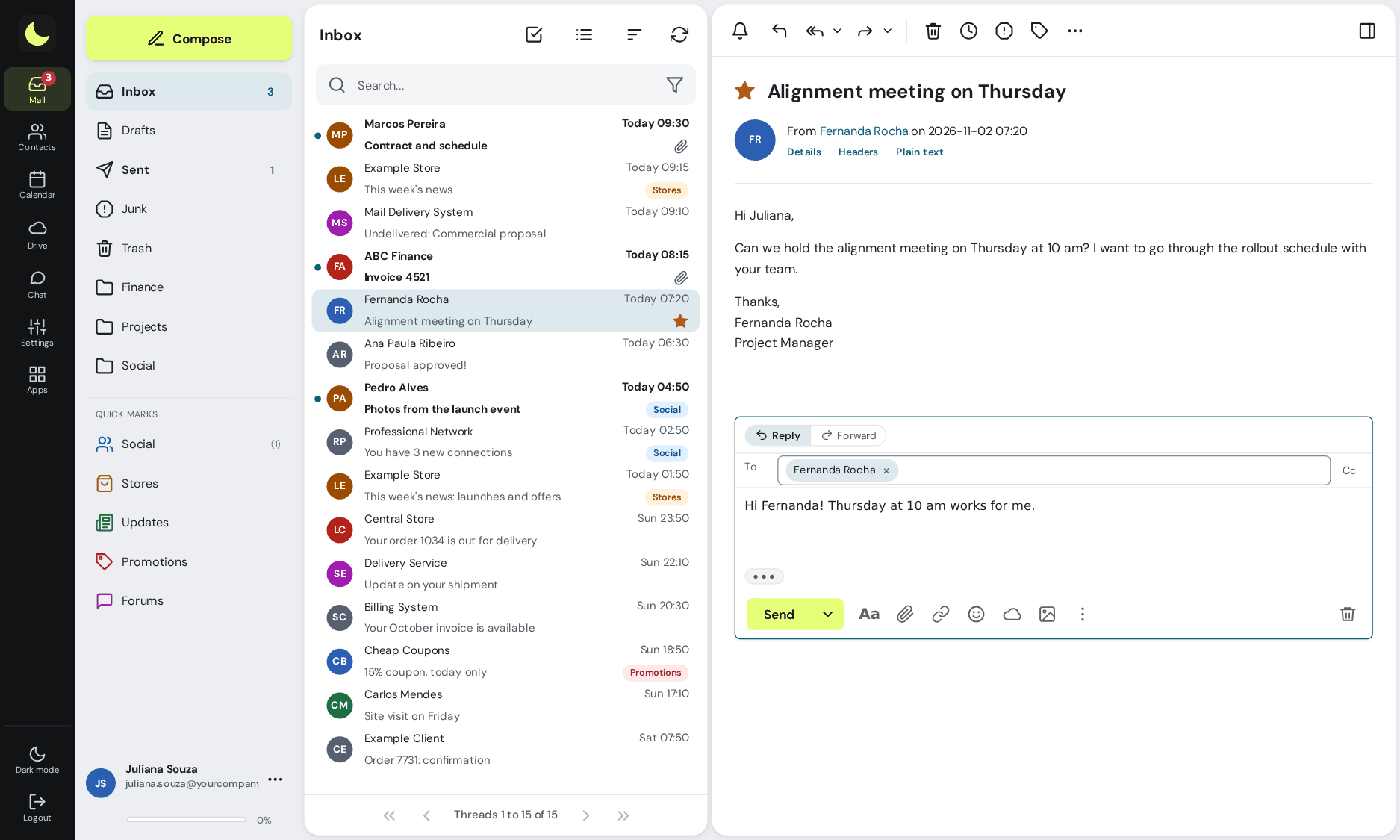
What your team uses every day in webmail, right in the browser, on every plan.
Hit Send and then remembered the attachment? You have a few seconds to click Undo and fix the message. See how it works
Write now and pick the date and time. The message goes out on its own at the scheduled time, even with your computer off. See how it works
Emptied the Trash or deleted from your phone? With the recovery add-on, the message is kept for 7 days and users restore it themselves. See how it works
Can't deal with it now? Snooze it until later, tomorrow or any date you like. At the right time, the message comes back as unread. See how it works
Share support@ or just a few folders, without handing over the password. Replies go out from the company address. See how it works
On vacation or traveling? The auto-reply lets senders know, with dates so it turns itself off. See how it works
Rules that move, flag or forward messages as soon as they arrive. A rule for one sender takes two clicks. See how it works
Shortcuts like from:, subject: and has:attachment, search across all folders and the whole conversation in the results. See how it works
Social, Shopping, Updates, Promotions and Forums kept separate, and newsletters unsubscribed with one click. See how it works
Instead of a code like 550 5.1.1, the notice tells you in plain language why the message bounced and what to do. See how it works
Team calendar, company address book, and the same mailbox on your phone and in Outlook.
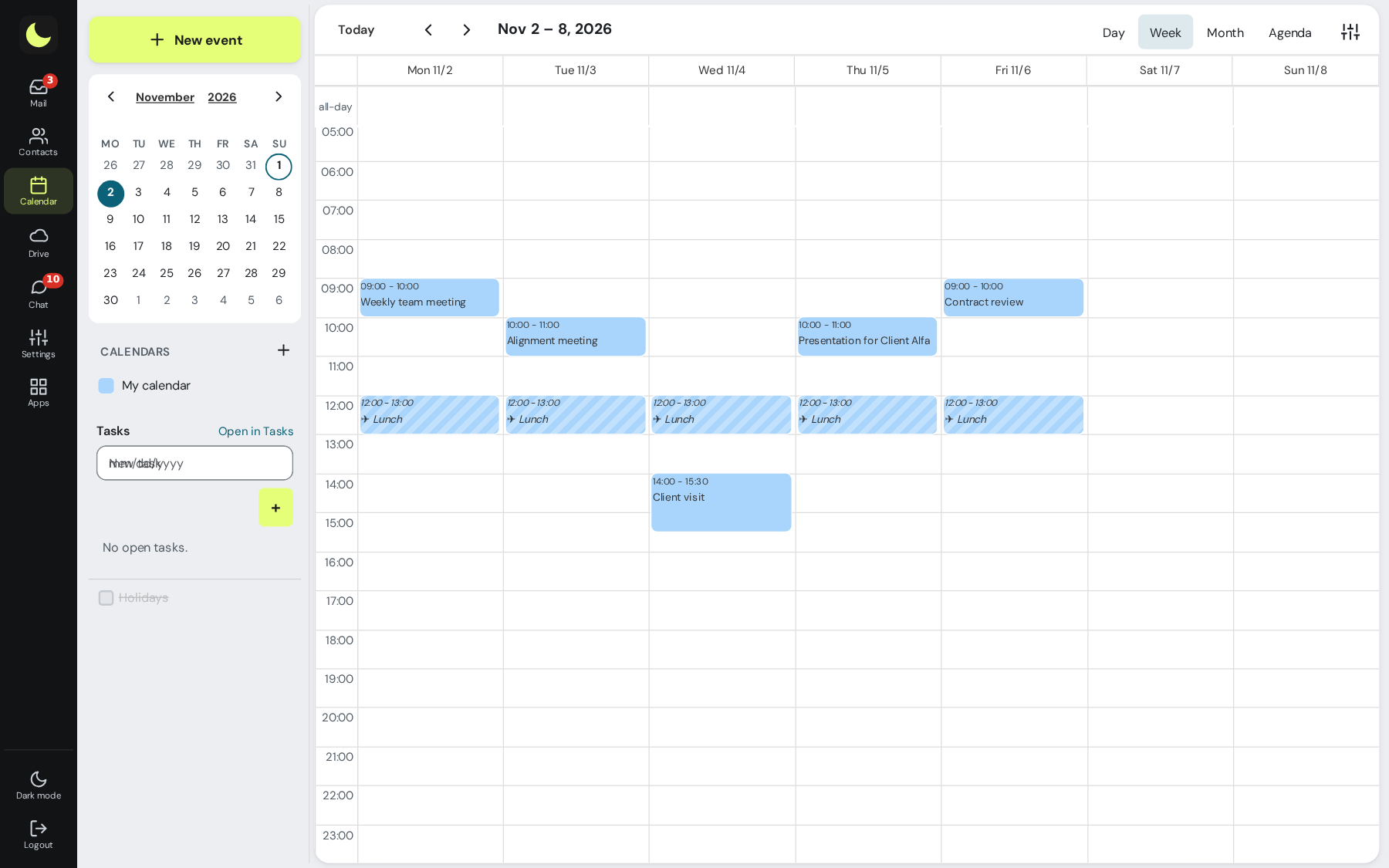
lua Colabora comes with every plan, with the same login as your email. Files, links and a document editor in the browser.
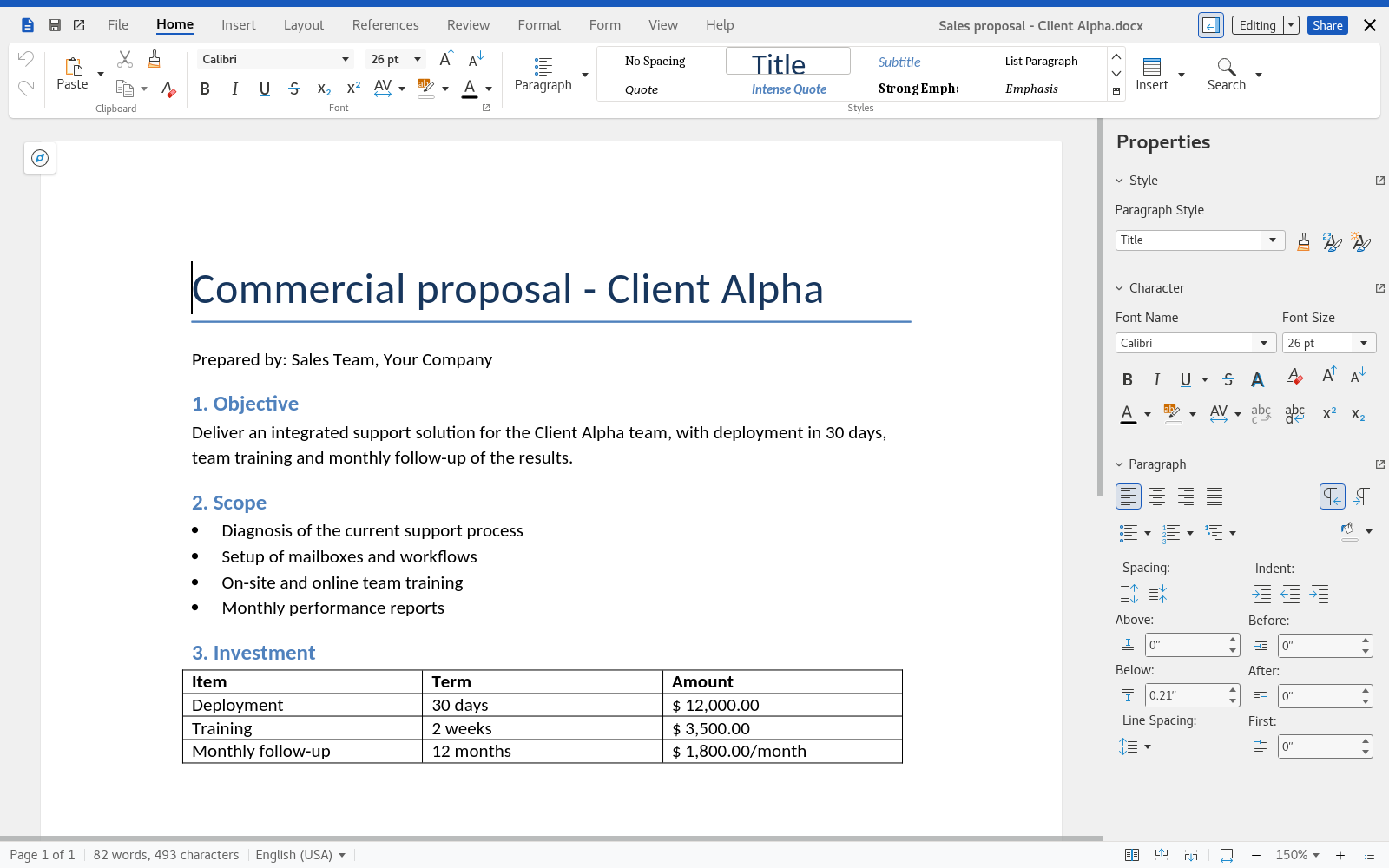
Quick team conversations and video meetings with people outside the company, with nothing to install.
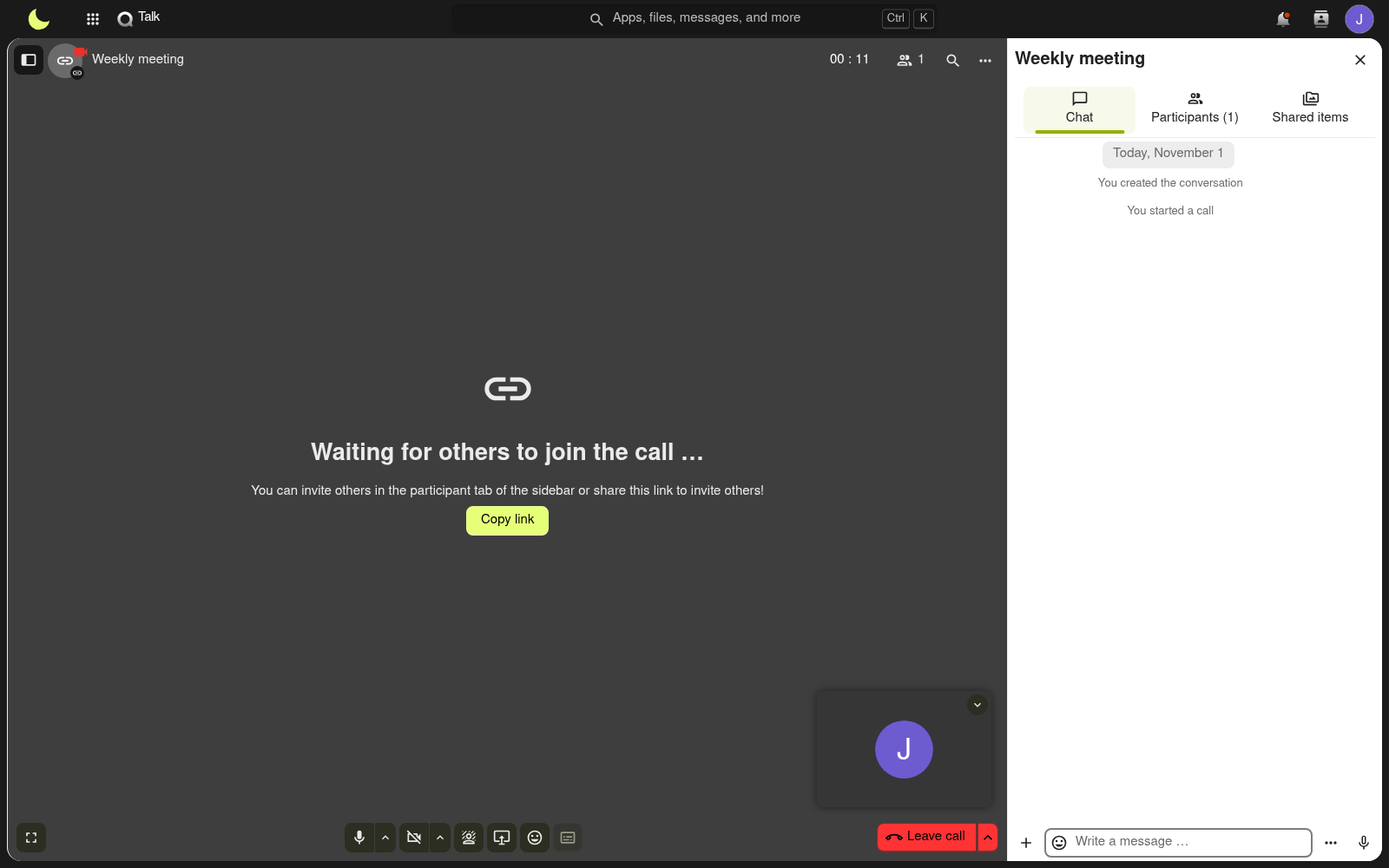
Tasks, boards, whiteboard and notes, alongside email and calendar.
Tasks with due dates that show up in webmail, email that turns into a task, and shared Kanban boards. See how it works
Shapes, arrows and freehand drawing, with several people drawing at the same time. See on the site
Minutes, ideas and lists, saved automatically and organized by category. See on the site
For law and accounting firms, clinics, companies with frequent team turnover and anyone who outsources IT: who gets in, when, for how long and what gets logged. Rules are set once per group of mailboxes, in the panel, without configuring person by person.
The company requires finance, management or the whole domain to register the code (app or email), with recovery codes. Admins don't depend on each person remembering to turn it on. See how it works
Webmail password expiration from 30 to 360 days per group, a forced change at next sign-in to a temporary password, and a report of who is about to expire, with spreadsheet. See how it works
A group can't sign in to webmail, Colabora, an email app or the phone outside business hours and on holidays. Email keeps arriving. See how it works
One list with headquarters, branches and the VPN applies to webmail, Colabora, chat and phones with an Exchange account. IMAP, POP and SMTP are handled by the webmail-only group. See how it works
The group's mailboxes have no IMAP, POP or SMTP in apps, while webmail and Colabora keep working normally. Attempts blocked by location or time can notify admins. See how it works
After the number of hours the company chooses, webmail and Colabora ask for the password again, and the group can go without "stay signed in" on a shared computer. See how it works
For the Exchange account, the group can require a screen lock on the device, and the device list shows every connected phone and app, with last access and IP, so you can remove the one belonging to someone who left. See how it works
Outlook and phones over IMAP use a different password, generated by the panel. If it leaks, webmail stays protected, and you can block app access for a mailbox. See how it works
The new password goes through a link that expires in up to 15 days or 7 views, without sitting in email or WhatsApp. The panel records who generated the link, never the password. See how it works
Mailboxes, aliases and groups that only receive from people on your domain. Anything from outside is refused on arrival. See how it works
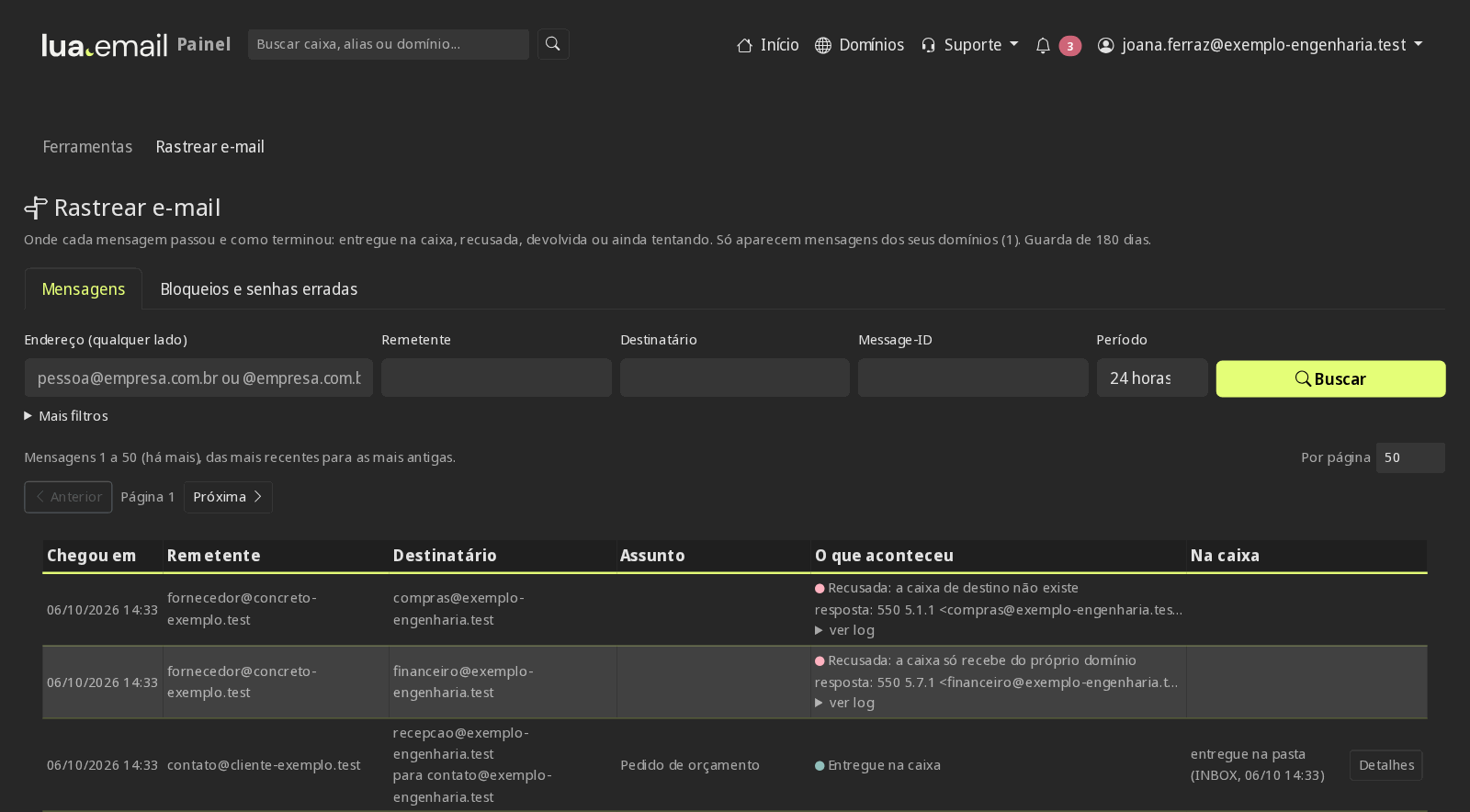
For each message, the path to the mailbox or the reason for refusal, with a 180-day history. Failed logins appear with the account and the source IP. See how it works
Panel logs show who changed a password, created a mailbox or changed a rule, and when. Accessing webmail as the mailbox, for support, requires a reason and is logged. See how it works
Per-mailbox add-on: people restore on their own, for 7 days, what they deleted by mistake. See how it works
Senders and domains that always get through or are always refused, per domain or per mailbox. See how it works
Moving a message to Spam or out of it trains the filter, in webmail, Outlook and on your phone. See how it works
Authentication records generated and checked in the panel, so nobody can send scams in your company's name, plus the filter that protects every mailbox. See how it works
What the people who run your company's email do day to day in the admin panel.
Your own domain, switching providers and setting up devices.
@yourcompany.com addresses starting at R$ 8.90 per mailbox. The panel verifies the domain and checks the DNS for you. See how it works
With our tool, in the admin panel (per GB migrated from the source), or done by our team with you (by the hour), without stopping your business. See how it works
The administrator brings the emails over through the admin panel: buys the migration GB (R$ 2.00 per GB migrated from the source, paid once) and sees in the preview what will be copied before starting. See on the site
From R$ 8.90 to R$ 61.90 per mailbox, per month, with lua Colabora included. See on the site
Webmail and lua Colabora come with every plan, starting at R$ 8.90 per mailbox. Recovery of deleted email is a per-mailbox add-on. Subscribing is online and activation is automatic: pay by PIX and the account is ready in minutes for you to activate your domain. Questions? We answer on WhatsApp.
Subscribe now See pricing How we migratePrefer that our team contacts you? Leave your contact details