
Guide
Email landing in spam: why it happens and how to fix it
The proposal went out, the client never saw it, and days later it shows up in their Spam folder. Almost always the cause is one of these: the domain doesn't prove who it is, another system sends email on the company's behalf without authorization in the DNS, or the everyday mailbox was used for bulk sending. This guide shows what to check, in order.
Signing up is online and activation is automatic: pay by PIX and the account is ready in minutes for you to activate your domain. For questions, we answer on WhatsApp.
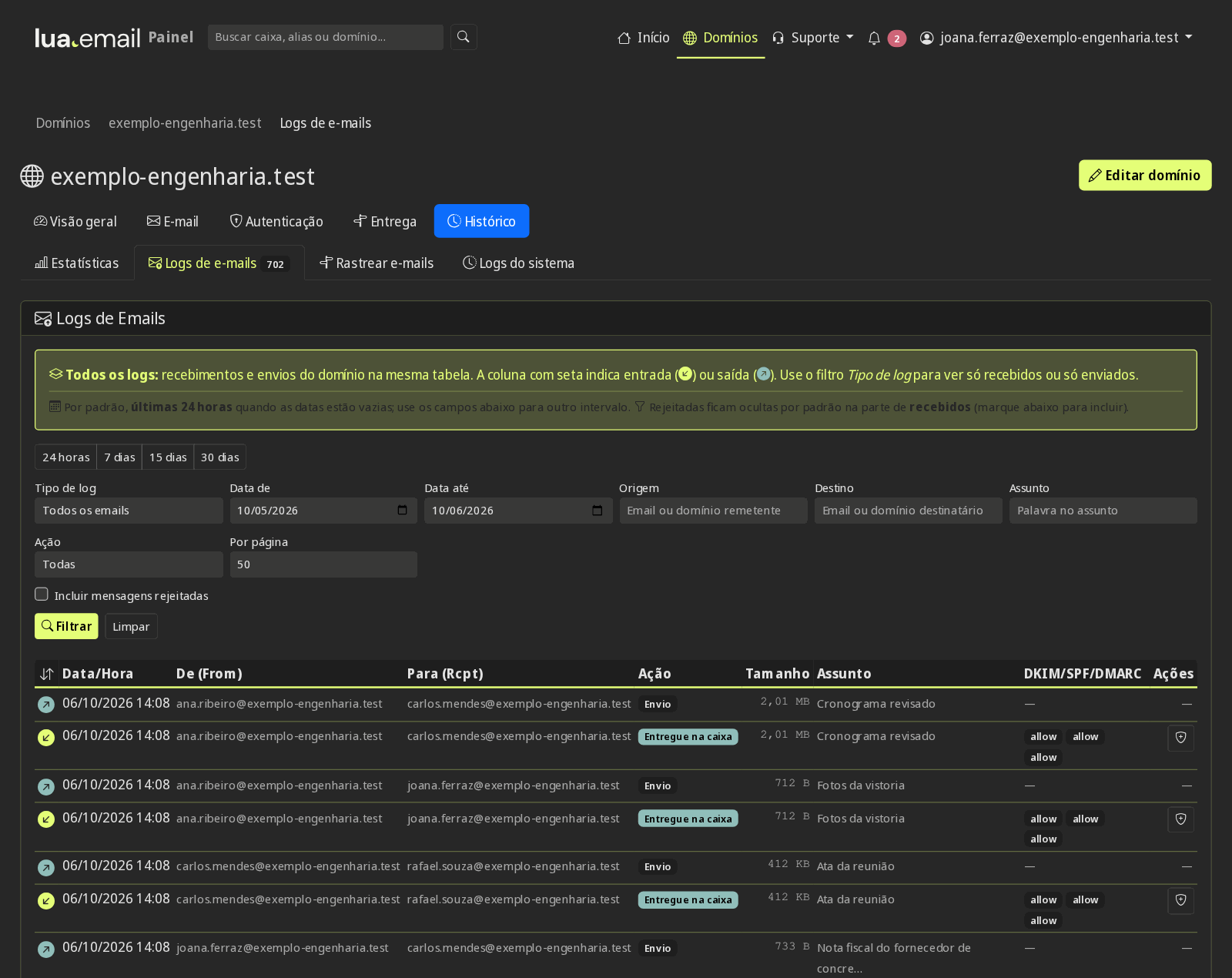
First: did the message arrive or not?
"Landed in spam" and "didn't arrive" are different problems. If the client's server rejected the message, you get a bounce notice, and the reason is in it. If it accepted the message, the decision to put it in Spam was made by the client's filter. In lua.email, the panel's message tracking shows each step: delivered, rejected with the reason, bounced, or queued.
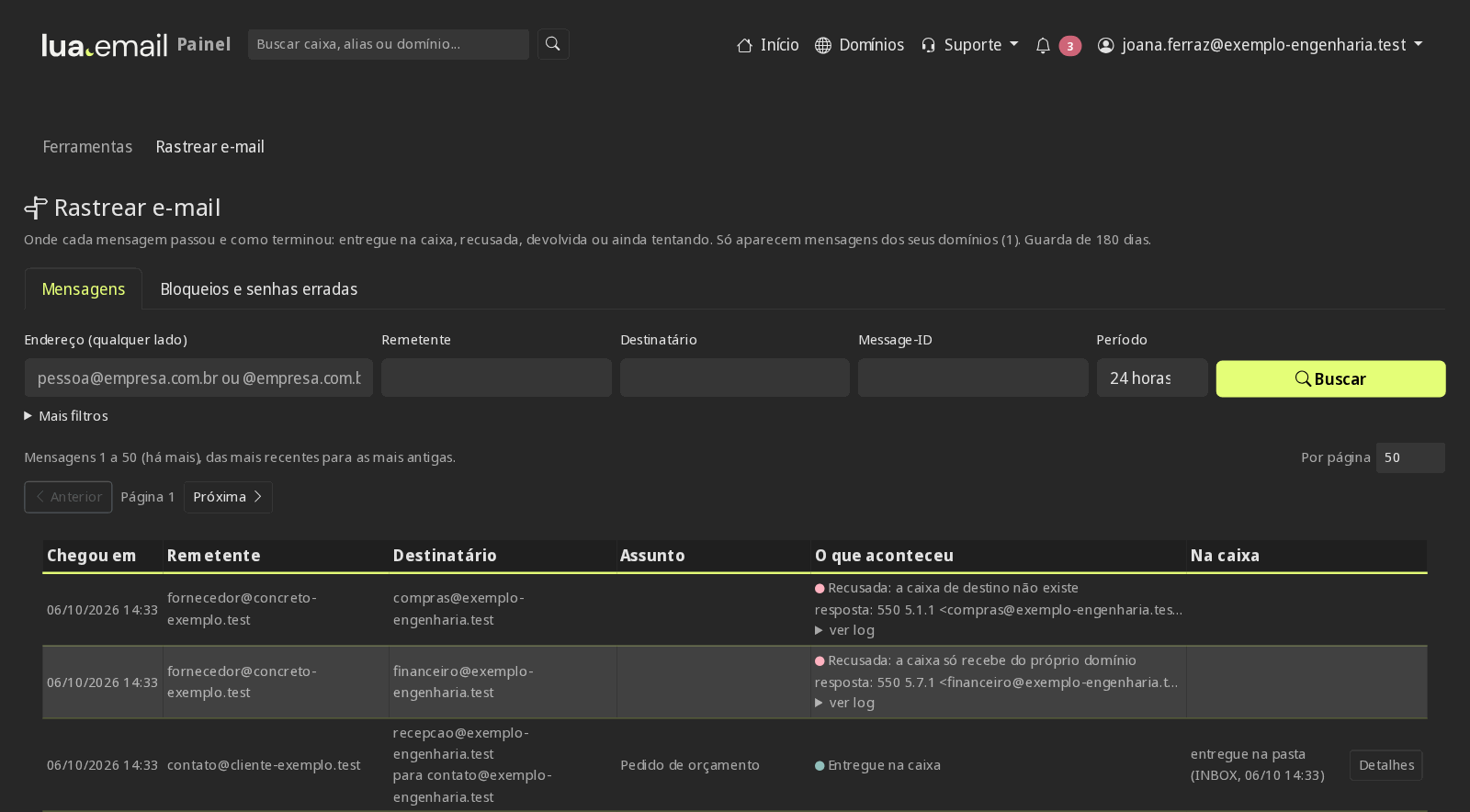
The most common causes, from most to least frequent
1. The domain doesn't prove who it is
Without SPF, DKIM, and DMARC, the recipient has no way to know whether the message really came from you. Since 2024, Gmail and Yahoo require SPF or DKIM from anyone who sends to them. In lua.email, all three are set up in the panel, with the record ready to copy.
2. Another system sends on the company's behalf
The invoicing system, the online store, the website form, and the newsletter tool use your domain as the sender. If they aren't in the SPF or don't sign with DKIM, those messages fail and drag the domain's reputation down.
3. Bulk sending from the everyday mailbox
Three hundred clients in Bcc, from the same mailbox that sends proposals. Filters see a volume that doesn't fit one person, and start distrusting everything that leaves the domain.
4. Content that looks like a scam
A shortened link, a message that is just an image, a compressed attachment, a link address different from the text shown. Scammers do this, and the filter learned to distrust it.
5. New or long-idle domain
A domain that has never sent email has no history yet. Start with normal day-to-day conversations, not with a campaign to the whole list.
6. Clients who marked it as spam
When several people mark messages from the same sender as spam, the filter learns. People who no longer want to receive them need an easy way off the list.
What to check, in order
- Send a message to a Gmail account and check in Show original whether SPF, DKIM, and DMARC show PASS
- List every system that sends email with your domain and check that each one is in the SPF or signs with DKIM
- Start DMARC at p=none, read the reports, and only then move up to quarantine and reject
- Take newsletters and bulk sending out of the everyday mailbox
- Replace shortened links with the full address and avoid messages that are just an image
- If the client's server rejected it, read the reason in the bounce notice: it says what's missing
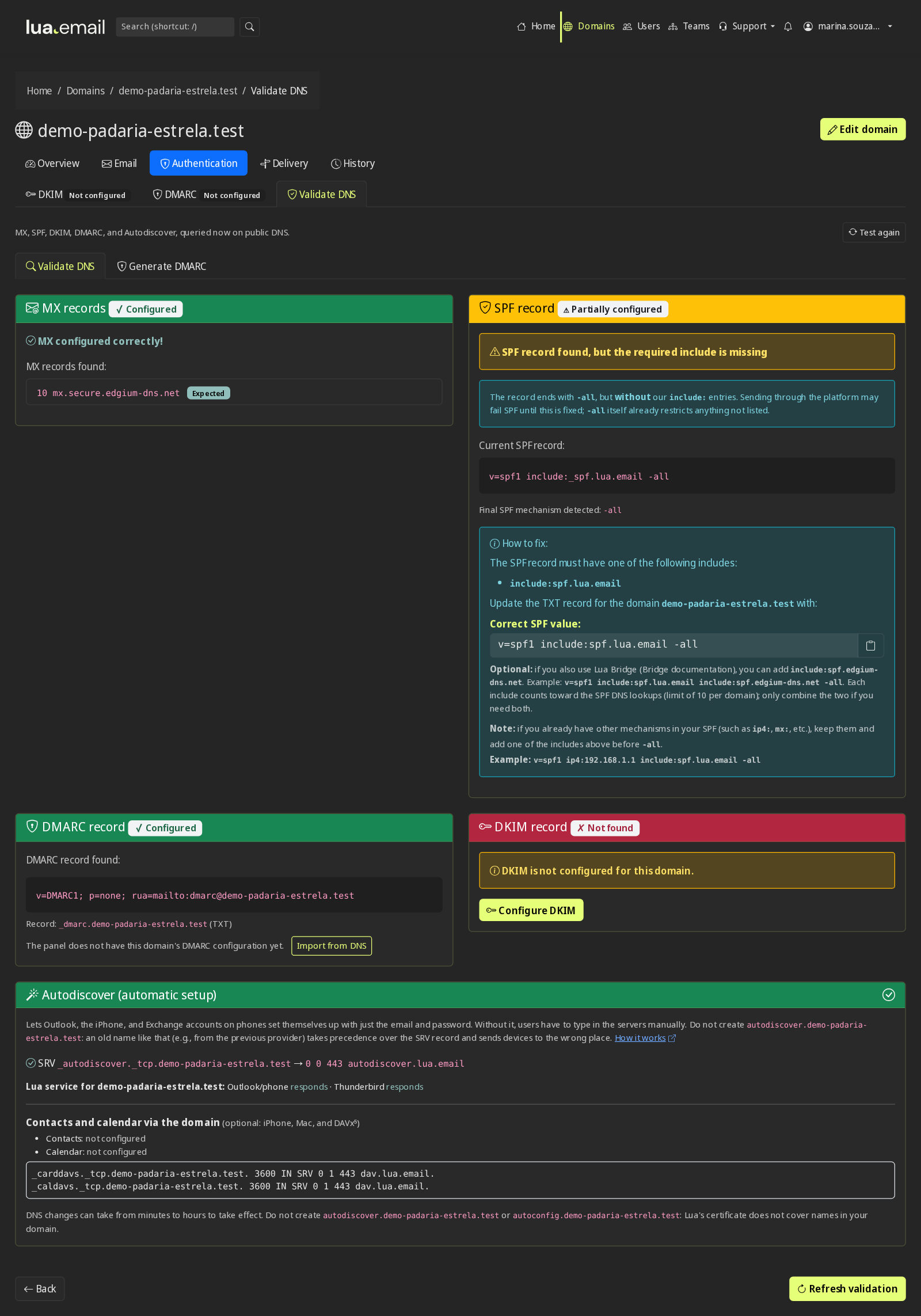
Want us to look at your domain?
The panel checks your domain's records. If you want a second opinion, send the domain and an example of a message that landed in spam, and our team will point out what's missing in the DNS and what to change in how you send.
Chat on WhatsApp See pricingPrefer that our team contacts you? Leave your contact details
And when the problem is the opposite?
If what bothers you is spam and scams reaching your team's mailbox, the answer is the incoming filter. The lua.email antispam is right 99.91% of the time, measured by users' own corrections. If you have your own server, you can use the same filter with lua Shield, without migrating.
Questions about email in spam
Why does my email land in spam only at Gmail or Outlook?
Each provider has its own filter and weighs things differently. Since 2024, Gmail and Yahoo require SPF or DKIM from anyone who sends to them, and DMARC from anyone who sends in volume. A domain without these records passes in some places and lands in spam in others.
How do I know if my domain has SPF, DKIM, and DMARC?
Open a message you sent to a Gmail account and use Show original: it shows PASS or FAIL for SPF, DKIM, and DMARC. In lua.email, the panel's Validate DNS button checks all three in the public DNS, and the logs show the result for each message.
Does switching providers fix it?
It does when the cause is the provider: a domain where you can't set up DKIM, or a sending server with a bad reputation. It doesn't when the cause is bulk sending from the everyday mailbox or the content of the message. That's why it's worth finding the cause first.
Is sending a newsletter from the regular mailbox harmful?
It can be. Hundreds of recipients at once, from the same mailbox that sends proposals, make filters look at the whole domain with suspicion. Newsletters go out better through a dedicated sending tool, with your domain authenticated there too.
The client found the message in spam. What do I ask them to do?
To mark it as Not spam and, if they can, add your address to their contacts. That teaches their filter. But if it happens with several clients, the cause is usually on your side, and it's worth following the order on this page.
Keep reading
Want email that reaches the inbox?
In lua.email, SPF, DKIM, and DMARC are set up in the panel, and the sending log shows what happened to each message. A mailbox costs from R$ 8.90 per month, and you subscribe online, with the account ready in minutes by PIX.
Subscribe now See pricing How we migratePrefer that our team contacts you? Leave your contact details